SAM Chat
Real-time messaging, voice and video calls, and file sharing — all powered by WebSocket and WebRTC for your organization
Every Way Your Team Needs to Communicate
Direct Messages
One-to-one conversations with real-time message delivery via WebSocket. Every message includes read receipts with blue checkmarks and live typing indicators so you always know when a colleague is responding.
Group Conversations
Create multi-user group chats with named groups, member management, and admin controls. Add or remove participants at any time, promote members to admin, and keep conversations organized across departments.
Voice & Video Calls
WebRTC peer-to-peer audio and video calls with device selection, camera toggle, mute controls, and Picture-in-Picture support that activates automatically when switching tabs.
Reply to Messages
Quote and reply to specific messages within a conversation. The original message content appears in the reply bubble, keeping context clear even in fast-moving group discussions.
Voice Messages
Record and send voice messages directly within any conversation. Audio is recorded using the MediaRecorder API and plays back with an inline audio player showing message duration.
File Sharing
Share photos, videos, documents, and contact cards directly in conversations. Files appear with inline previews and lightbox viewers for images and video playback.
Emoji Reactions
React to any message with emojis. Reactions are persisted in the database and synced in real-time via WebSocket across all participants, surviving page reloads.
Message Forwarding
Forward messages from one conversation to another without retyping. Share important information across groups or with individuals instantly while maintaining the original message context.
Experience the Power
Explore key features that make SAM Chat the ultimate team communication tool
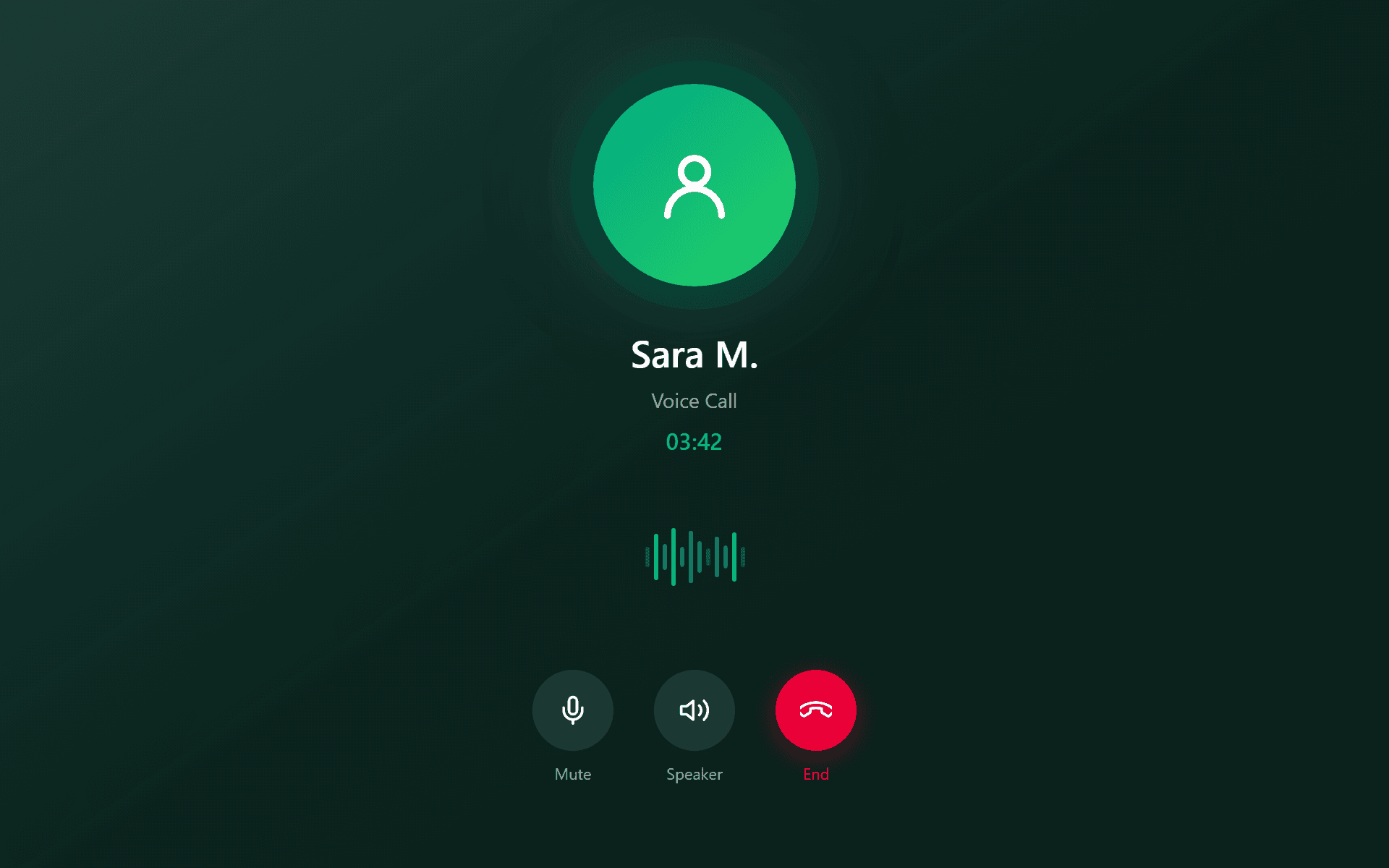
Voice & Video Calls
WebRTC peer-to-peer calls with device selection for camera, microphone, and speaker. Start a call directly from any conversation with full Picture-in-Picture support.
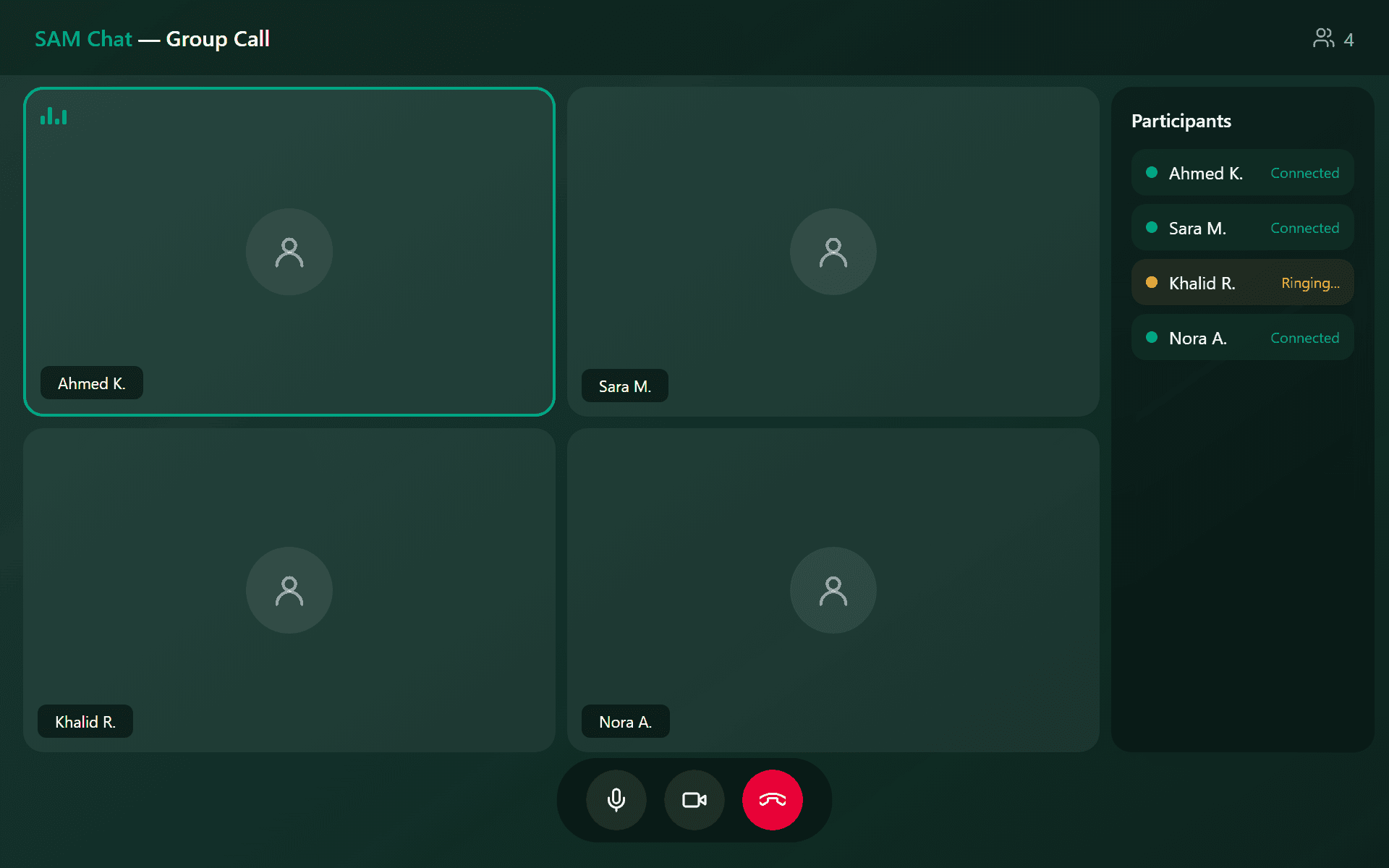
Group Calls
Call all group members simultaneously using mesh architecture. The participant panel shows real-time status — Connected, Ringing, Declined, or Offline — with retry capability.
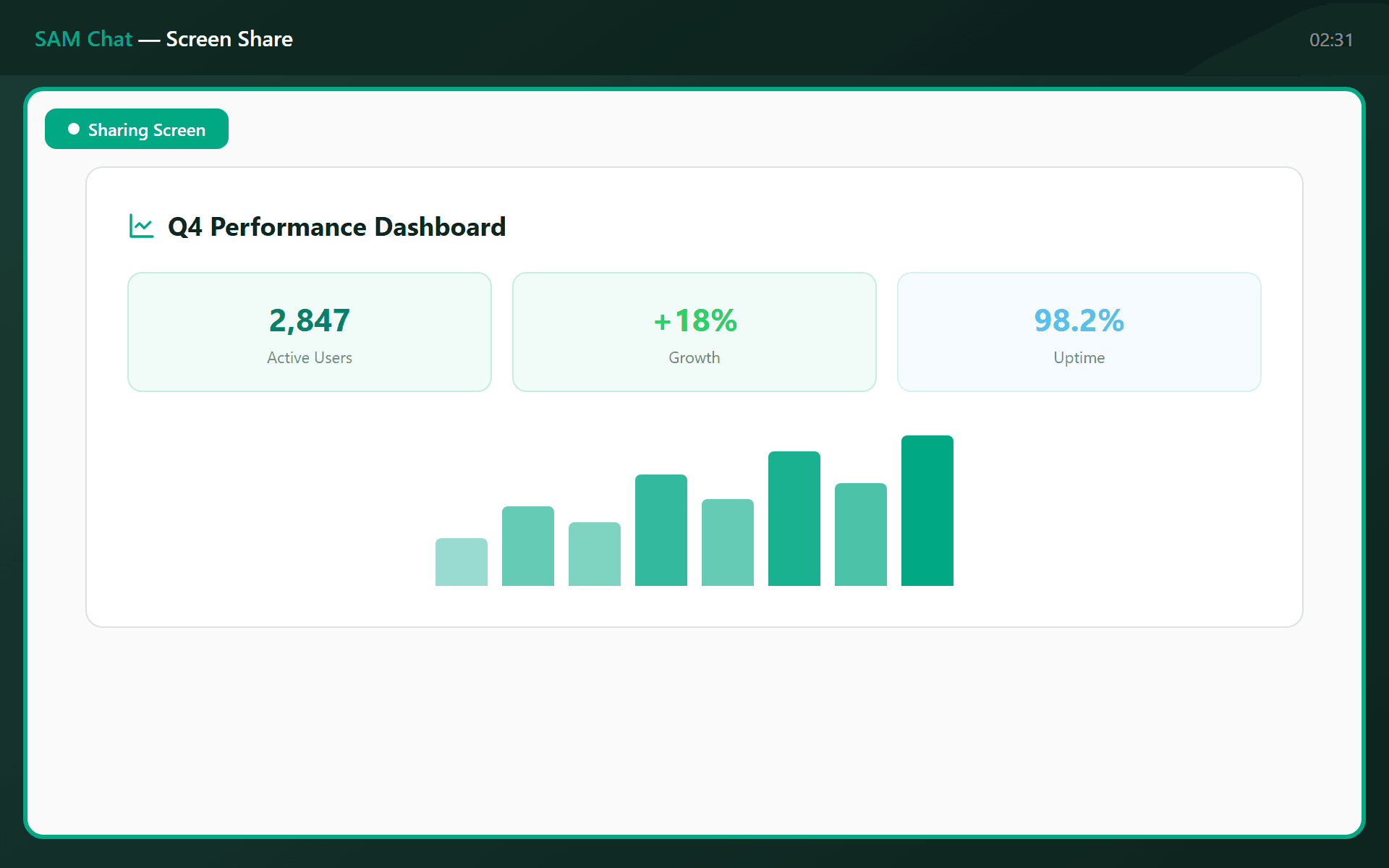
Screen Sharing
Share your screen during voice or video calls to present documents, walk through workflows, or demonstrate processes without leaving the call.
Start Communicating in Real Time
Deploy SAM Chat within your organization and give every team member instant messaging, voice and video calls, and integrated contact management