Video Conferencing & Meetings for Your Organization
SAM Meet delivers instant and scheduled video meetings with screen sharing, recording, whiteboard, guest access, and full host controls — built on WebRTC for peer-to-peer video and WebSocket for real-time signaling.
Start a Meeting Instantly or Schedule Ahead
Two ways to bring your team together — create a room on the spot or plan it in advance
Instant Meetings
Create a meeting room immediately and generate a shareable meeting link. The host controls lobby access, and participants can join directly from the link with no account required for guests.
Scheduled Meetings
Schedule future meetings with date, time, and participant invitations. The date picker auto-detects client timezone and disables past dates. Email invitations are sent to all invitees with a direct meeting link.
Guest Access
External participants join by entering their name only — no email, password, or account required. A temporary JWT token is generated for the session, and guests are automatically logged out when they leave.
Lobby System
Participants wait in a lobby until the host approves entry. The host can lock or unlock the lobby at any time during the meeting, controlling who enters and when.
Meeting Duration & Extension
Configurable meeting duration with a default of 30 minutes. A warning appears 5 minutes before the meeting ends, and the host can extend the meeting by 15 minutes, up to 2 extensions.
Calendar Integration
Scheduled meetings are added to the user's calendar with a direct meeting link. Calendar events include attendee invitations, and meetings can be joined with one click from the calendar.
A Complete Meeting Experience
Every tool your team needs during a video meeting — from screen sharing to collaborative whiteboard
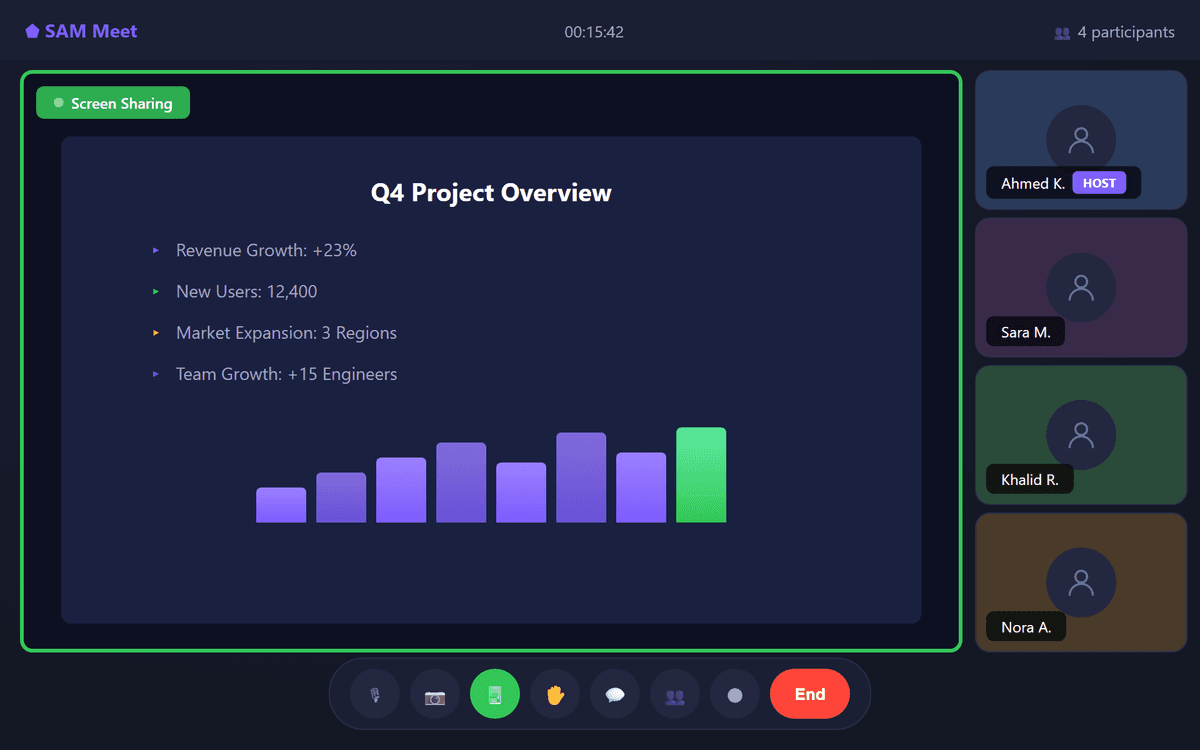
Screen Sharing
Share your entire screen, a specific application window, or a single browser tab. All participants see the shared content in real-time with minimal latency.
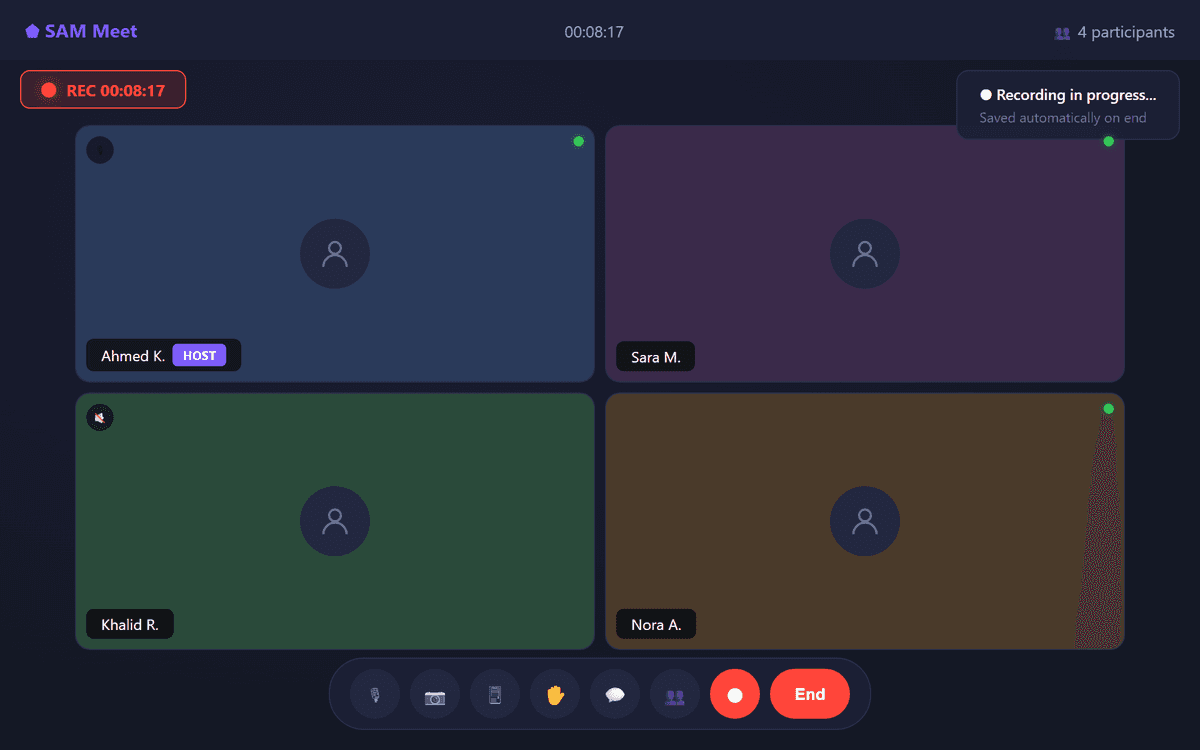
Meeting Recording
Record meetings using canvas-based capture with real-time broadcast. Recordings are available for review and sharing with team members who could not attend.
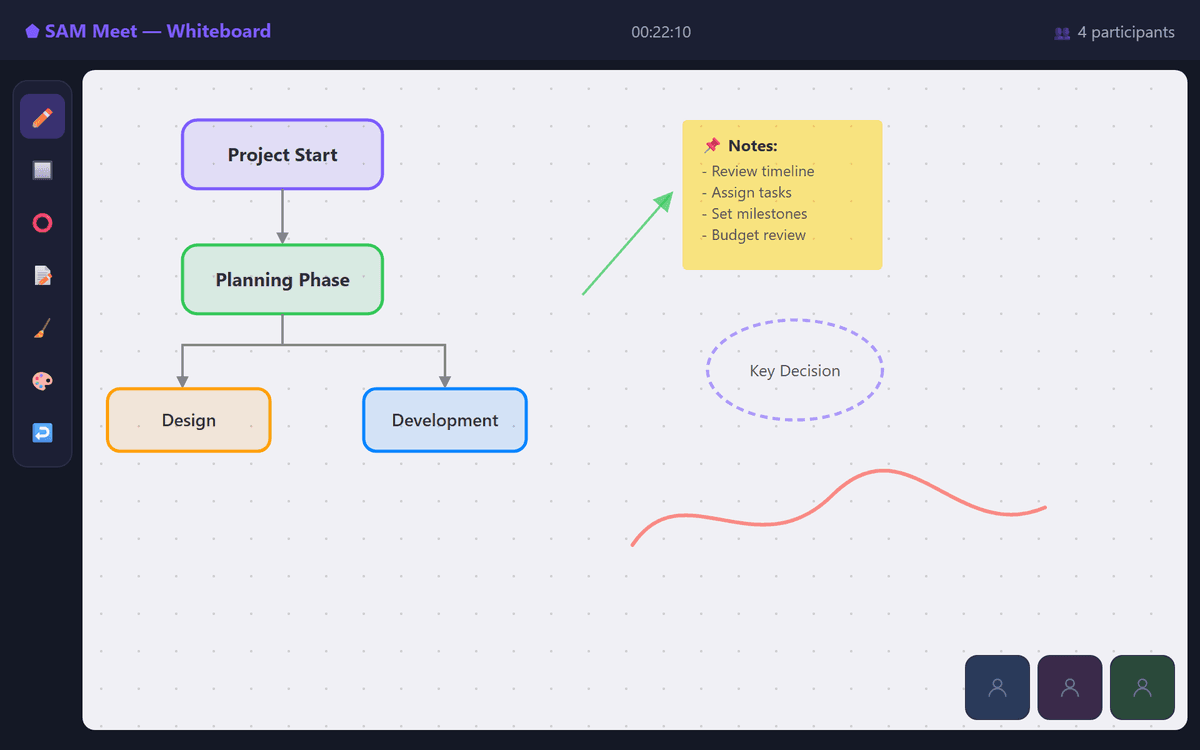
Collaborative Whiteboard
Draw, annotate, and brainstorm in real-time with a shared whiteboard visible to all participants. Useful for diagrams, workflows, and visual explanations during meetings.
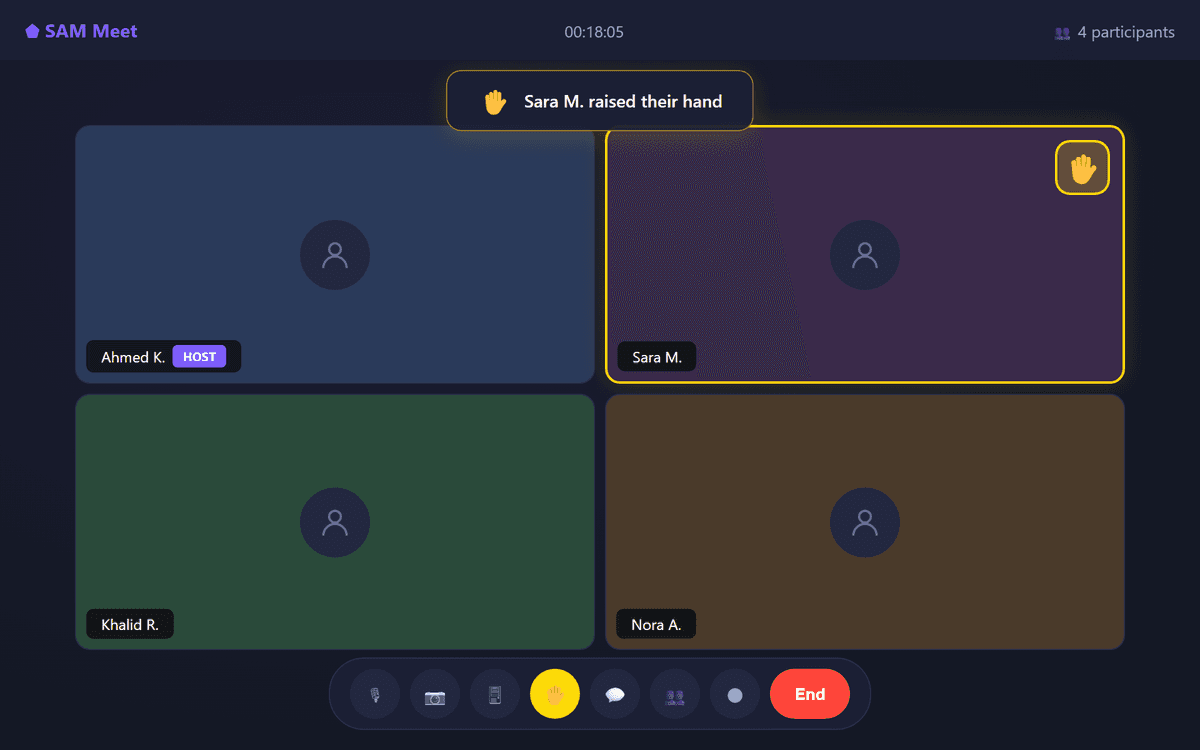
Raise Hand
Participants can raise their hand with a visual indicator to signal they want to speak, keeping meetings organized and preventing interruptions.
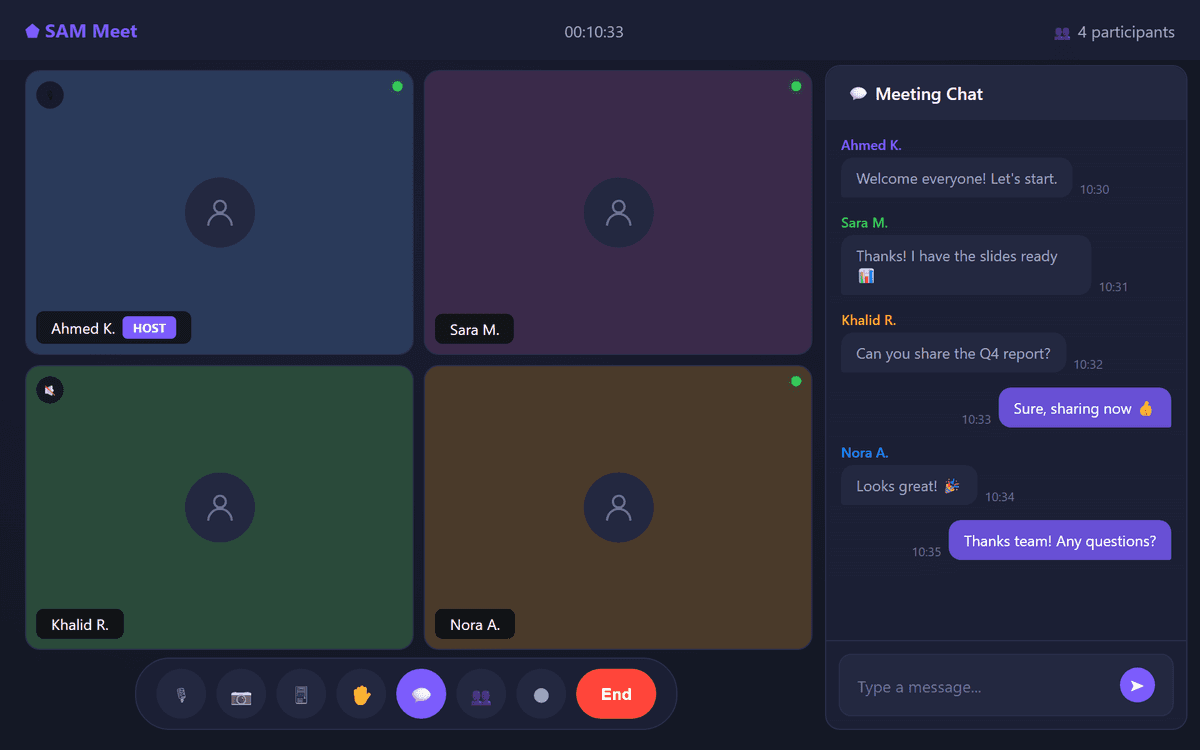
In-Meeting Chat
Send text messages during the meeting via the built-in chat panel. Share links, notes, or questions without interrupting the speaker.
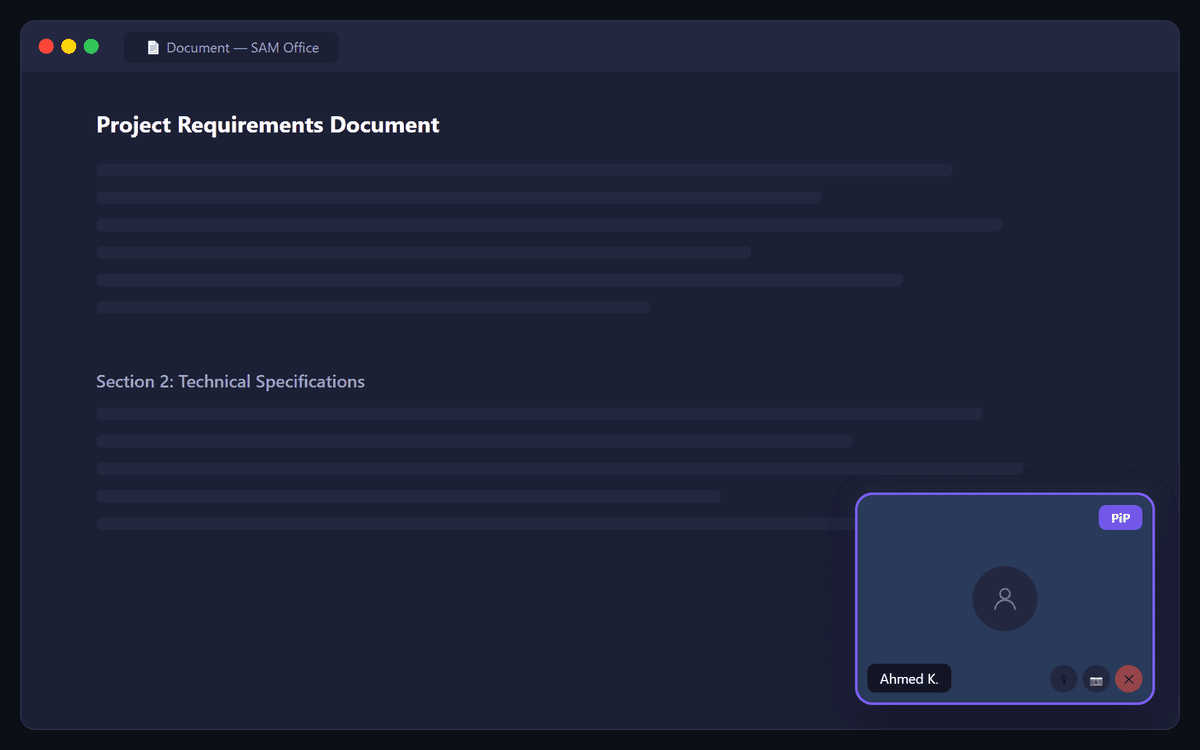
Picture-in-Picture
Continue your video call in a floating window while working in other tabs or applications. Toggle manually or let it activate automatically on tab switch.
Complete Control Over Every Meeting
The host manages participants, lobby access, invitations, and meeting flow
Mute Participants
The host can toggle any participant's microphone to manage audio during the meeting. Useful for large meetings where background noise can be disruptive.
Remove Participants
Kick a participant from the meeting immediately. The removed user is disconnected from all active WebRTC peer connections and the WebSocket session.
Lock / Unlock Lobby
Control new participant entry by locking the lobby. When locked, no new participants can enter until the host explicitly unlocks it or approves individual requests.
Make Co-Host
Promote any participant to co-host, giving them shared host controls. Co-hosts can manage participants, control the lobby, and help run the meeting alongside the primary host.
Allow / Disable Invites
Toggle whether participants can share the meeting invite link with others. When disabled, only the host can invite new participants to the meeting.
End Meeting for All
Close the meeting for all participants at once. All WebRTC connections and WebSocket sessions are terminated, and the meeting room is marked as ended.
Collaboration Tools Built Into Every Meeting
Emoji reactions, polling, shared notes, document presentation, and live captions
Emoji Reactions
- Quick emoji reactions visible to all participants
- Six default reactions: 👍 👏 ❤️ 😂 🎉 👋
- Real-time broadcast via WebSocket
- Non-intrusive visual display on screen
Polling & Voting
- Create instant polls during the meeting
- Real-time results displayed to all participants
- Multiple choice and yes/no question formats
- Useful for quick team decisions and consensus
Shared Notes
- Collaborative text document visible to all participants
- Real-time sync across all connected users
- Downloadable at meeting end for record-keeping
- Ideal for meeting minutes and action items
Document Viewer
- Upload and present PDF or PowerPoint slides
- Slide navigation controls for the presenter
- All participants see the current slide in sync
- Replaces the need for separate screen sharing for documents
Connected to Your SamMail Ecosystem
SAM Meet integrates natively with the SamMail platform. Authentication is handled via Webmail SSO, so users sign in once and access meetings without a separate login. Contacts from the Webmail address book are available for meeting invitations.
Start Meeting Face-to-Face
Deploy SAM Meet within your organization and give every team member professional video conferencing with full host controls, guest access, and meeting recording